Build a Second Brain for Your Company with Lighthouse Memory
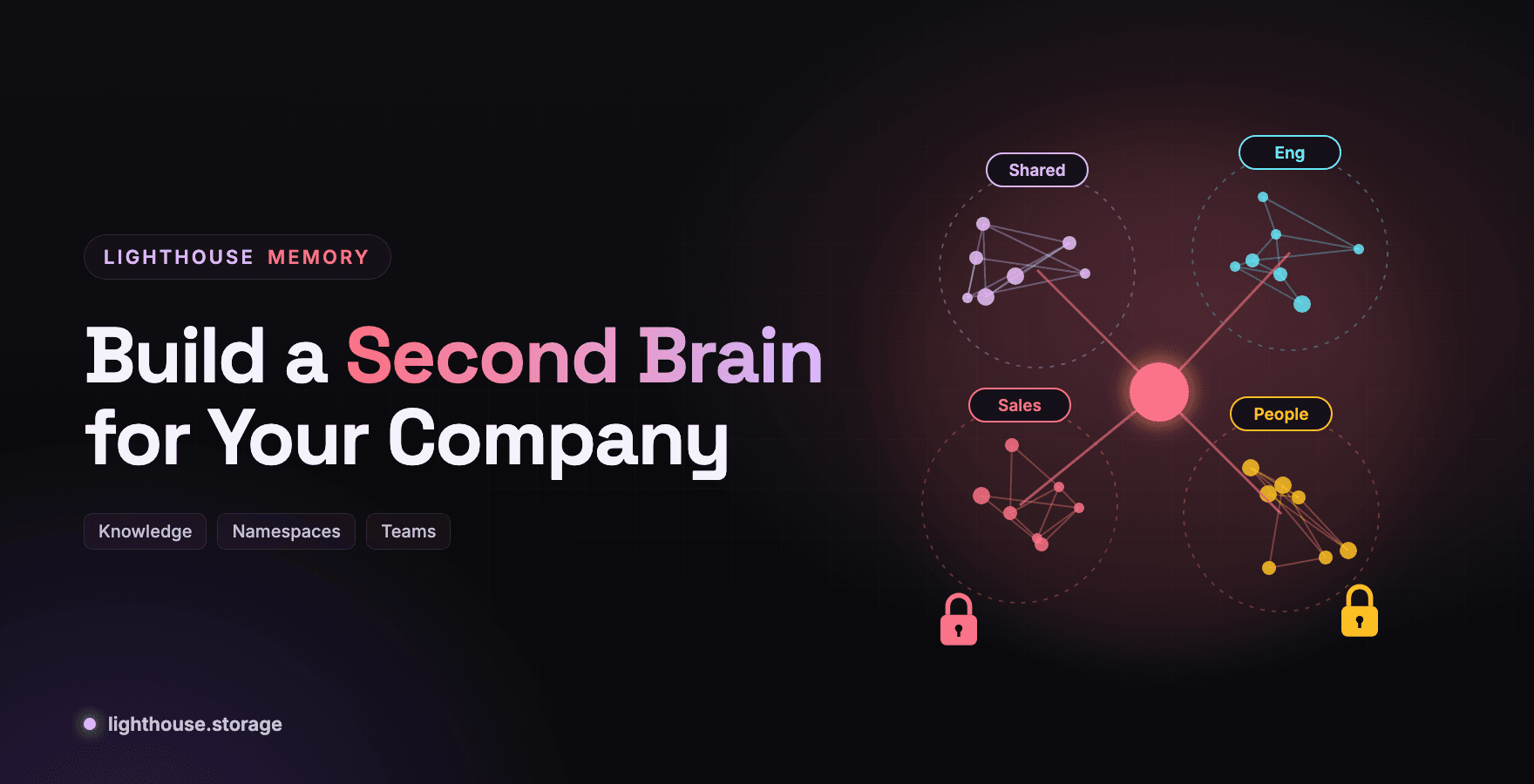
Every company already has a second brain. It is spread across Slack threads, meeting notes, onboarding docs and the heads of people who might leave next quarter. The job is to make it something agents can actually use.
"Second brain" started as a personal productivity idea: capture what you learn so you do not have to keep it in your head. For a company, the stakes are higher. Decisions get made and forgotten. The reason a customer is on a special plan lives in one person's memory. New hires and new AI agents both start from zero.
A company second brain is a shared, durable memory that people and agents both read from and write to. This post shows how to build one on Lighthouse Memory, and why the memory layer matters as much as the model on top.
What a Company Second Brain Needs
| Requirement | Why | Lighthouse Memory feature |
|---|---|---|
| Recall by meaning, not keywords | Nobody remembers the exact wording | Hybrid semantic plus keyword recall |
| Structure without a schema project | Knowledge is messy | Tags, metadata, and fact extraction with analyze() |
| Boundaries between teams | Sales notes are not for everyone | Namespaces |
| Survives people and tools leaving | Knowledge must outlast vendors | Content addressed blobs on Filecoin, Walrus or your S3 |
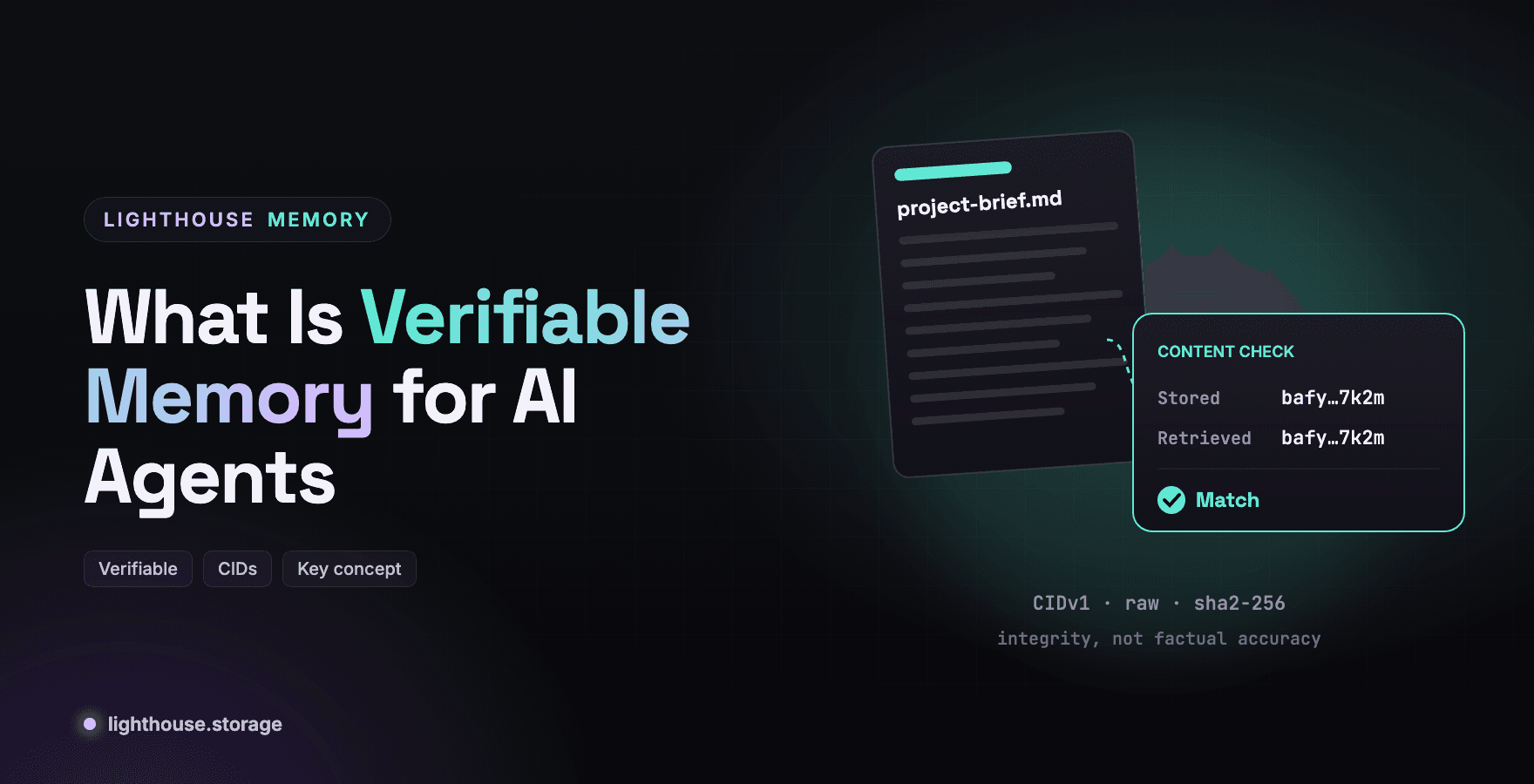
| Proof of what was known | Decisions get questioned later | CIDs on every record, snapshots as checkpoints |
| Works with every AI tool | Teams use different assistants | MCP server plus SDK |
| Private where needed | HR and finance data | SEAL-encrypted memwal engine |
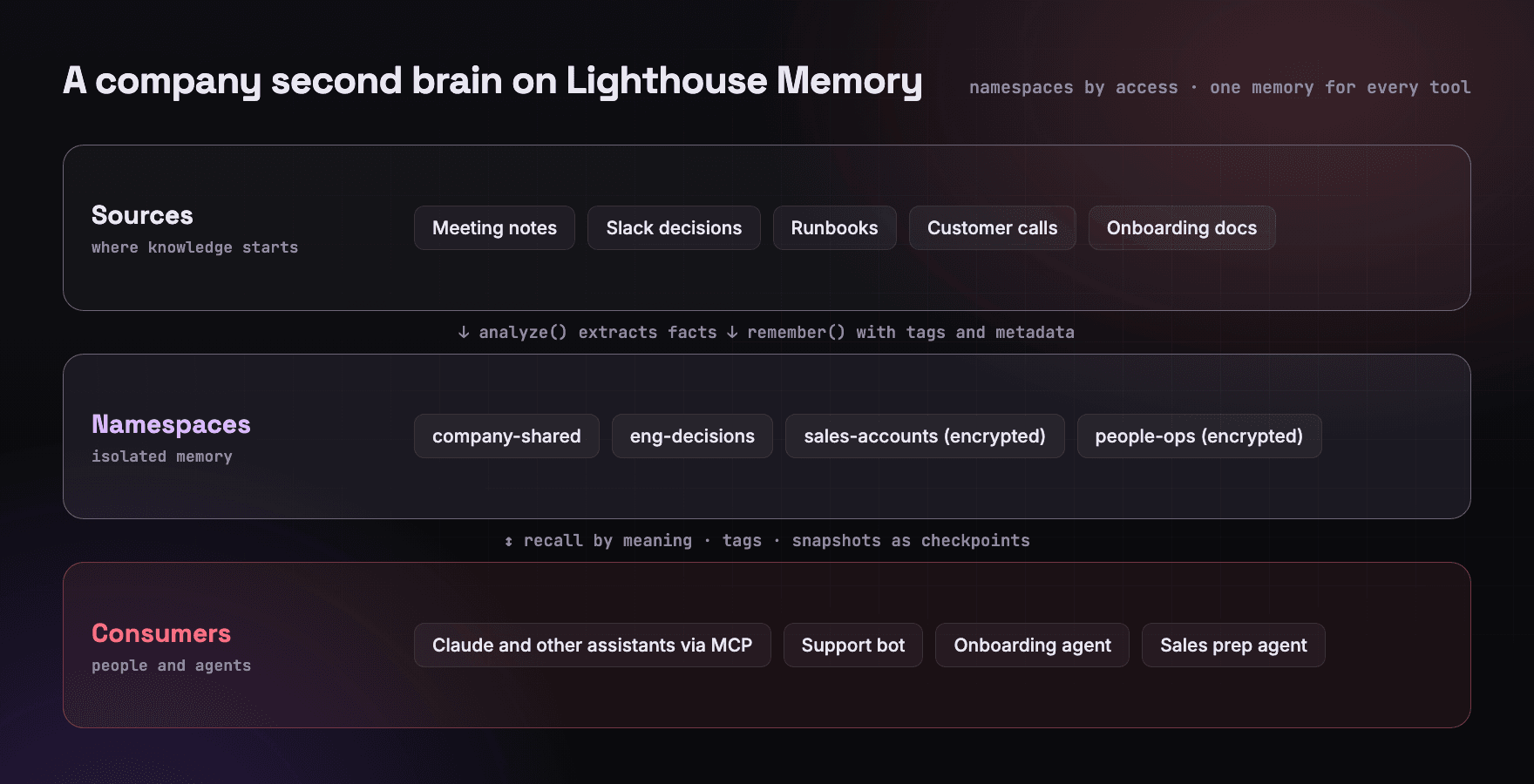
Step 1: Design Namespaces Around Access, Not Org Charts
A namespace isolates memories per agent or project. Snapshots and pointers are namespace checked, so memory never leaks across namespaces by accident. Design them around who should read what.
| Namespace | Contents | Engine |
|---|---|---|
company-shared | Mission, product facts, policies, glossary | Batched on Filecoin |
eng-decisions | Architecture decisions, incident learnings, runbooks | Batched on Filecoin |
sales-accounts | Customer context, commitments, renewal notes | Memwal (encrypted) |
people-ops | Leave, preferences, onboarding status | Memwal (encrypted) |
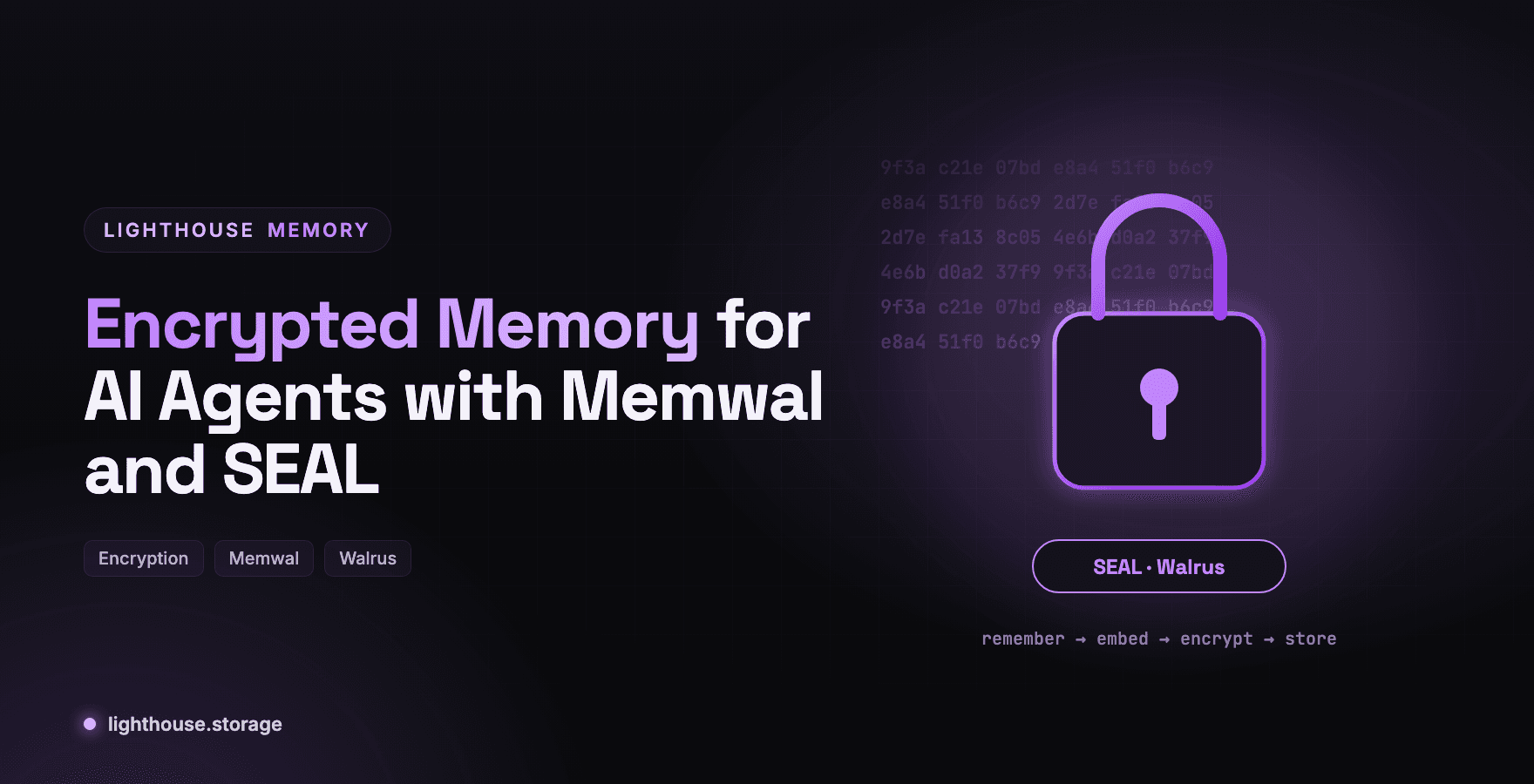
Anything involving personal or commercially sensitive information goes on the memwal engine, where every memory is SEAL-encrypted on Walrus. The batched engine stores plaintext blobs today, so it is the right home for knowledge you would be comfortable publishing internally. See Encrypted Memory for AI Agents with Memwal and SEAL.
Step 2: Build a Tag Vocabulary Before You Ingest Anything
Tags are not decoration. They are a second retrieval axis. recall(query, { tags }) restricts results to memories carrying at least one of those tags, and in the batched engine each tag that appears in the query adds 0.5 to the keyword score.
The docs recommend a small, consistent lowercase vocabulary shared across agents. For a company, start with around a dozen:
decision  policy  customer  pricing  incident  runbook
product   roadmap  onboarding  preference  owner  deadline
Agree on it once. Every agent and integration uses the same list.
Step 3: Ingest Knowledge as Discrete Facts
Paragraphs make poor memories. A meeting note contains five facts, and you want each one recallable on its own. The memwal engine's analyze() does this: give it free text and the relayer extracts discrete facts, storing each as its own memory with its own CID, tagged analyzed.
import { MemwalMemory } from '@lighthouse-ai/engine-memwal'

const sales = await MemwalMemory.fromEnv() // MEMWAL_NAMESPACE=sales-accounts

await sales.analyze(
  `Call with ACME, Oct 2. They are moving 40 seats to the enterprise plan in January.
   Their security team requires SSO before rollout. Champion is Dana, VP Ops.`,
  { occurredAt: '2026-10-02T15:00:00.000Z' }
)
// { factCount: 3, succeeded: 3, failed: 0, memories: [ … ] }
For knowledge that belongs on the batched engine, write facts directly with tags and metadata that point back to the source:
await eng.remember('Payments service moved from Postgres 14 to 16 on Sep 30; rollback plan is in RB-112.', {
  tags: ['decision', 'runbook'],
  metadata: { source: 'adr-0042', owner: 'platform-team' },
})
Step 4: Let Every Assistant and Agent Use It
A second brain nobody queries is an archive. Connect it where people already work.
- Assistants such as Claude Code and Claude Desktop connect through the hosted MCP server and get
memory_recallandmemory_rememberas tools. See Give Claude Code Persistent Memory with Lighthouse MCP. - Internal agents such as a support bot, an onboarding buddy or a sales prep agent use the SDK and recall before they answer.
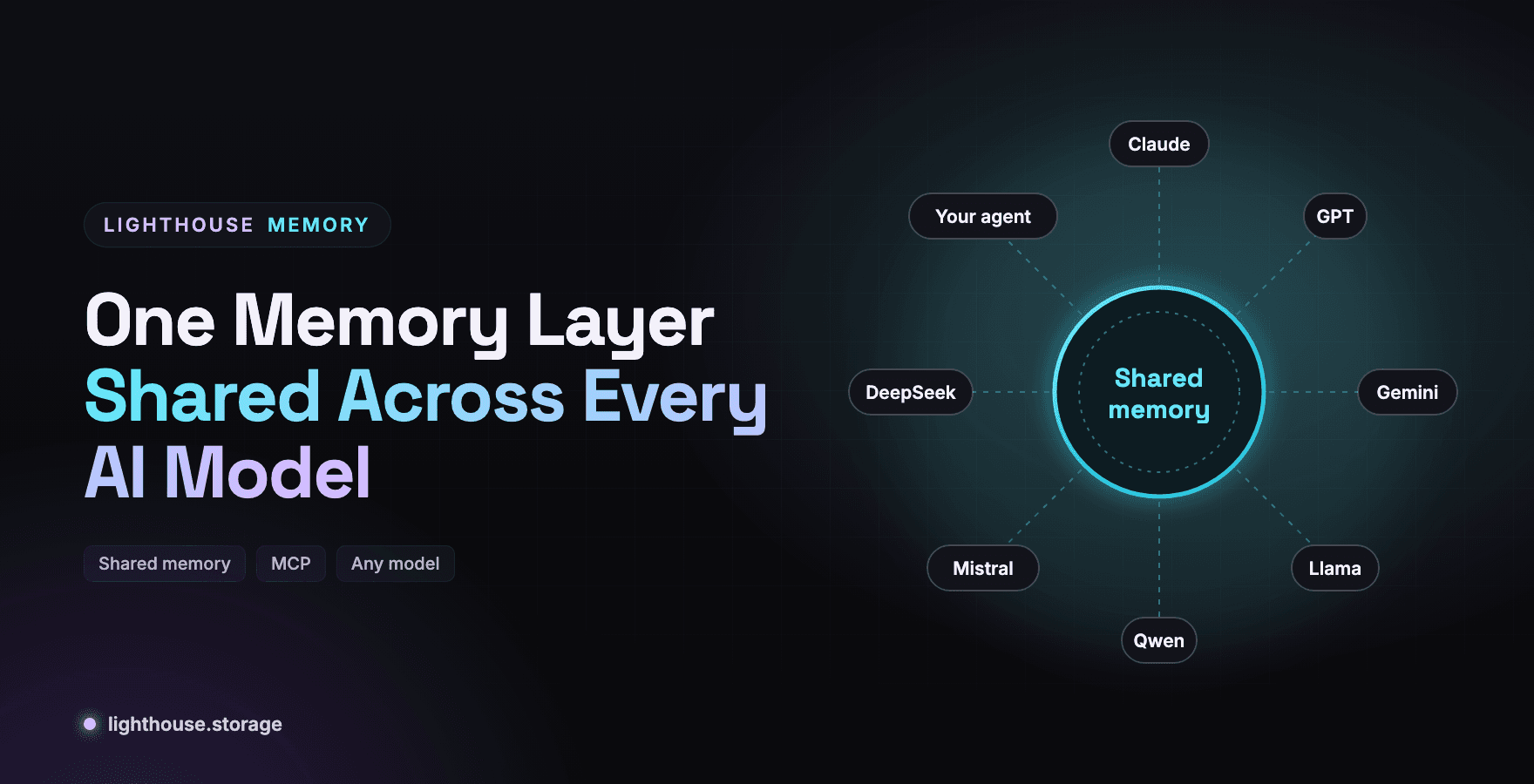
- Different models read the same memory, so a team on Claude and a team on an open source model share one brain. See One Memory Layer Shared Across Every AI Model.
Recall works by meaning. The docs' own example: the question "which hosting platform is used for releases?" finds "deploys to Vercel on the main branch" with zero shared keywords.
const answer = await companyShared.recall('what is our refund window for annual plans?', {
  tags: ['policy'],
  limit: 3,
})
Step 5: Keep It Honest Over Time
A second brain decays. Policies change and old facts linger. Three habits keep it trustworthy.
Supersede, do not overwrite. Write the new fact with a tag like decision and metadata supersedes: <old id>, then forget() the old one. The history remains visible in earlier snapshots.
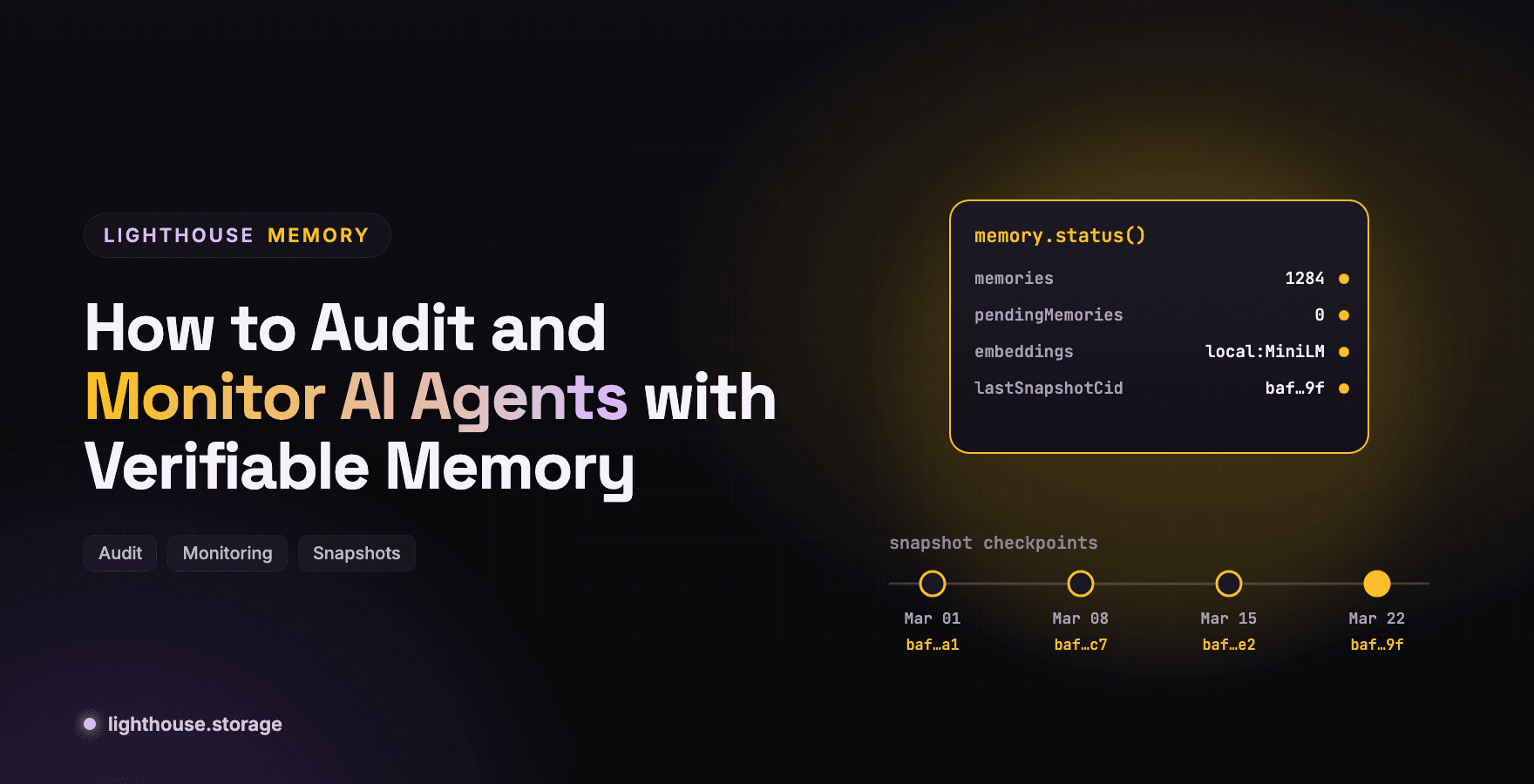
Checkpoint regularly. snapshotIndex() produces one CID for an entire namespace. Keep a monthly checkpoint and you can answer "what did we believe in March?" by loading that CID into a clean engine with rebuildLocal(cid).
Watch status(). The batched engine reports pendingMemories, embeddings and lastSnapshotCid. The memwal engine reports pendingPins and relayer health. How to Audit and Monitor AI Agents with Verifiable Memory covers the alerting.
Why Not Just Use a Wiki or a Vector Database
| Wiki | Hosted vector DB | Lighthouse Memory | |
|---|---|---|---|
| Recall by meaning | No | Yes | Yes |
| Usable by any AI tool | Via custom integrations | Via custom integrations | MCP plus SDK |
| Tamper evident records | No | No | CIDs on every record |
| Portable if you switch vendors | Export | Export and re-embed | Content addressed blobs, restore from a snapshot CID |
| Encryption for sensitive areas | Access control only | Varies | SEAL-encrypted memwal engine |
| Bring your own bucket | No | No | S3, R2 and MinIO adapters |
The last row matters to enterprises. The batched engine stores memory in your own S3, R2 or MinIO bucket if you prefer, with the same API. See Composable Memory for AI Agents on S3 R2 and Open Source Models.
Frequently Asked Questions
What is a company second brain? A shared, durable memory of company knowledge, including decisions, policies, customer context and runbooks, that both people and AI agents can read from and write to.
How is it different from a knowledge base? A knowledge base stores documents. A second brain for agents stores discrete, recallable facts with tags and provenance, retrieved by meaning at the moment an agent needs them.
How do I keep sensitive knowledge separate? Use separate namespaces, and put sensitive namespaces on the memwal engine, which SEAL-encrypts every memory.
Can I store the company memory in our own cloud? Yes. The batched engine supports S3, Cloudflare R2 and MinIO with the same API.
How do I load existing documents?
Use analyze() on the memwal engine to extract discrete facts from notes, transcripts and docs, or write facts directly with remember().
Get Started
Planning a rollout across teams? Talk to our team.
Stay in Touch
Learn more at the website, docs, or GitHub. Join the community on Discord, X, Telegram, and LinkedIn.