One Memory Layer Shared Across Every AI Model
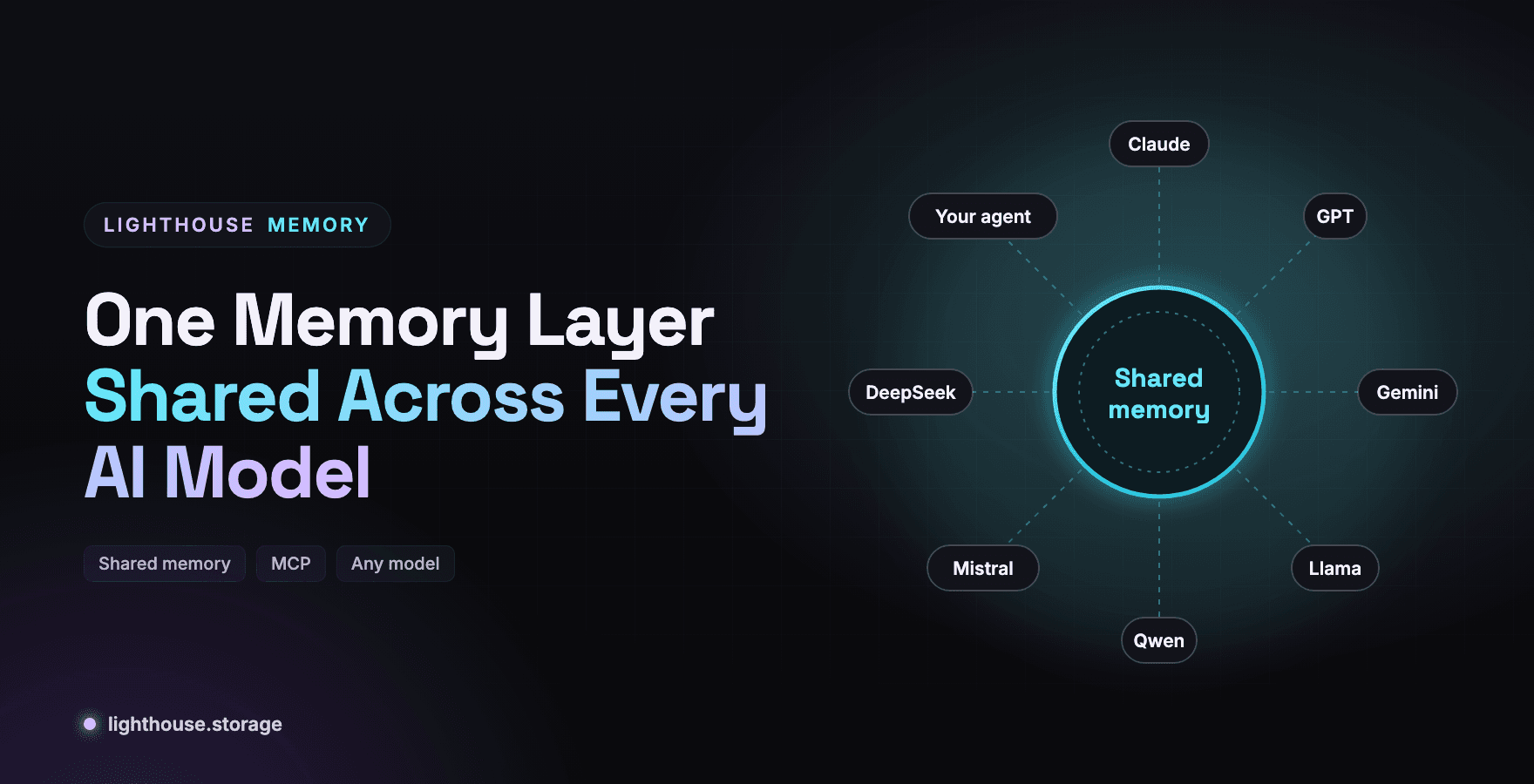
Every AI tool you use has its own memory, and none of them talk to each other. Switch from one model to another and you start over. A shared memory layer fixes that.
Most people now use several AI systems in a week: one for code, one for writing, one for research, a custom agent at work. Each keeps its own private notion of who you are and what you are working on. Your project brief lives in one chat history. Your preferences live in another. Decisions made in a Claude session are invisible to the agent you run on Llama.
The Lighthouse homepage frames the fix in four words: different minds, shared memory. This post explains how that works technically, and how to connect any model to the same memory.
Why Built In Memory Does Not Travel
Built in memory features are tied to one vendor's product. That creates three problems.
| Problem | What it looks like |
|---|---|
| Lock in | Months of context you cannot take to another model |
| Fragmentation | Each tool knows a different, partial version of you or your project |
| No proof | You cannot check what a tool remembered, or whether it changed |
A memory layer that lives outside any single model solves all three. The context is yours, every model reads the same record, and every record has a CID you can verify.
How Lighthouse Memory Connects Different Models
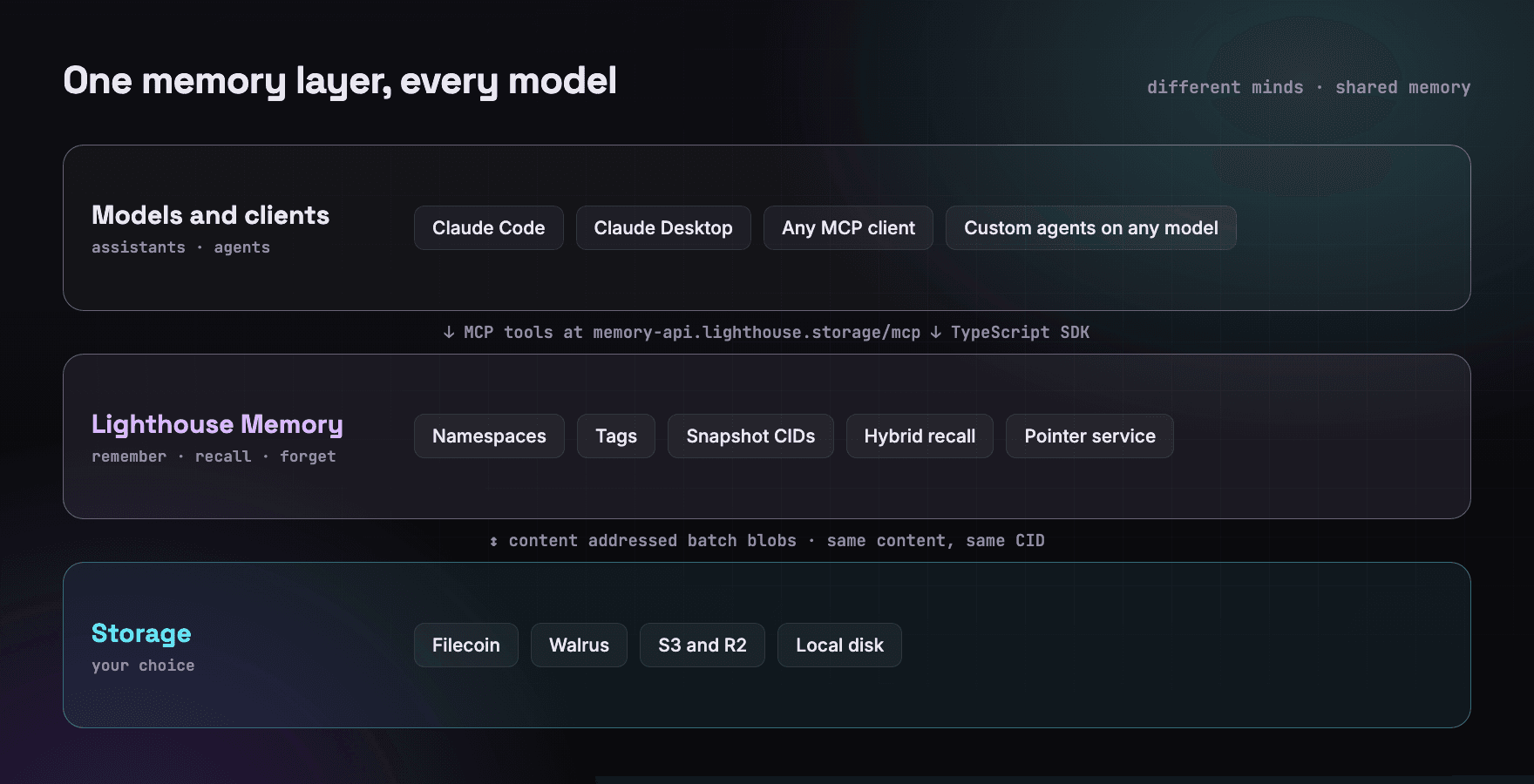
There are two ways in, and they reach the same memory.
1. MCP for assistants and agent runtimes
Lighthouse runs a hosted Model Context Protocol server at https://memory-api.lighthouse.storage/mcp. It is Streamable HTTP and stateless, and it exposes memory as tools: memory_remember, memory_recall, memory_list, memory_get, memory_forget, memory_status, plus snapshot tools. Any MCP capable client can use them, including Claude Code and Claude Desktop, and the server publishes OAuth protected resource metadata at /.well-known/oauth-protected-resource for client discovery.
Client configuration is a few lines:
{
  "mcpServers": {
    "lighthouse-memory": {
      "type": "http",
      "url": "https://memory-api.lighthouse.storage/mcp",
      "headers": { "Authorization": "Bearer <SESSION_JWT>" }
    }
  }
}
Once connected, the experience looks like this, straight from the docs:
You: remember that our staging environment is at staging.acme.dev and redeploys on every merge to develop
Agent: (calls memory_remember) Saved.
days later, new session
You: where do I check the latest staging build?
Agent: (calls memory_recall) Your staging environment is at staging.acme.dev.
Now do the second half in a different client. Because the memory lives in Lighthouse, not in the client, the answer is the same.
A step by step setup for Claude Code is in Give Claude Code Persistent Memory with Lighthouse MCP.
2. The SDK for custom agents on any model
For agents you build yourself, on OpenAI, Anthropic, Llama, Qwen, Mistral or anything else, use the TypeScript SDK directly. The memory layer does not care which model generates the text.
import '@lighthouse-ai/store-lighthouse'
import '@lighthouse-ai/embed-local'
import { createStorage, createEmbedder } from '@lighthouse-ai/core'
import { BatchedEngine } from '@lighthouse-ai/engine-batched'

const memory = new BatchedEngine(
  await createStorage('lh-ipfs-filecoin', { apiKey: process.env.LIGHTHOUSE_API_KEY }),
  { namespace: 'launch-project', agent: 'writer-llama', embedder: await createEmbedder('local') }
)

// Any model, same memory
const context = await memory.recall('brand voice and launch date', { limit: 5 })
const prompt = `Context:\n${context.map((m) => `- ${m.content}`).join('\n')}\n\nWrite the launch email.`
const draft = await yourModel.generate(prompt) // OpenAI, Claude, Llama via Ollama, anything
Recall ranking in the batched engine runs on an open source embedding model, all-MiniLM-L6-v2, in process. No embedding API is involved, so shared memory does not tie you to any model vendor even at the retrieval step.
Sharing Across Agents Without Sharing Everything
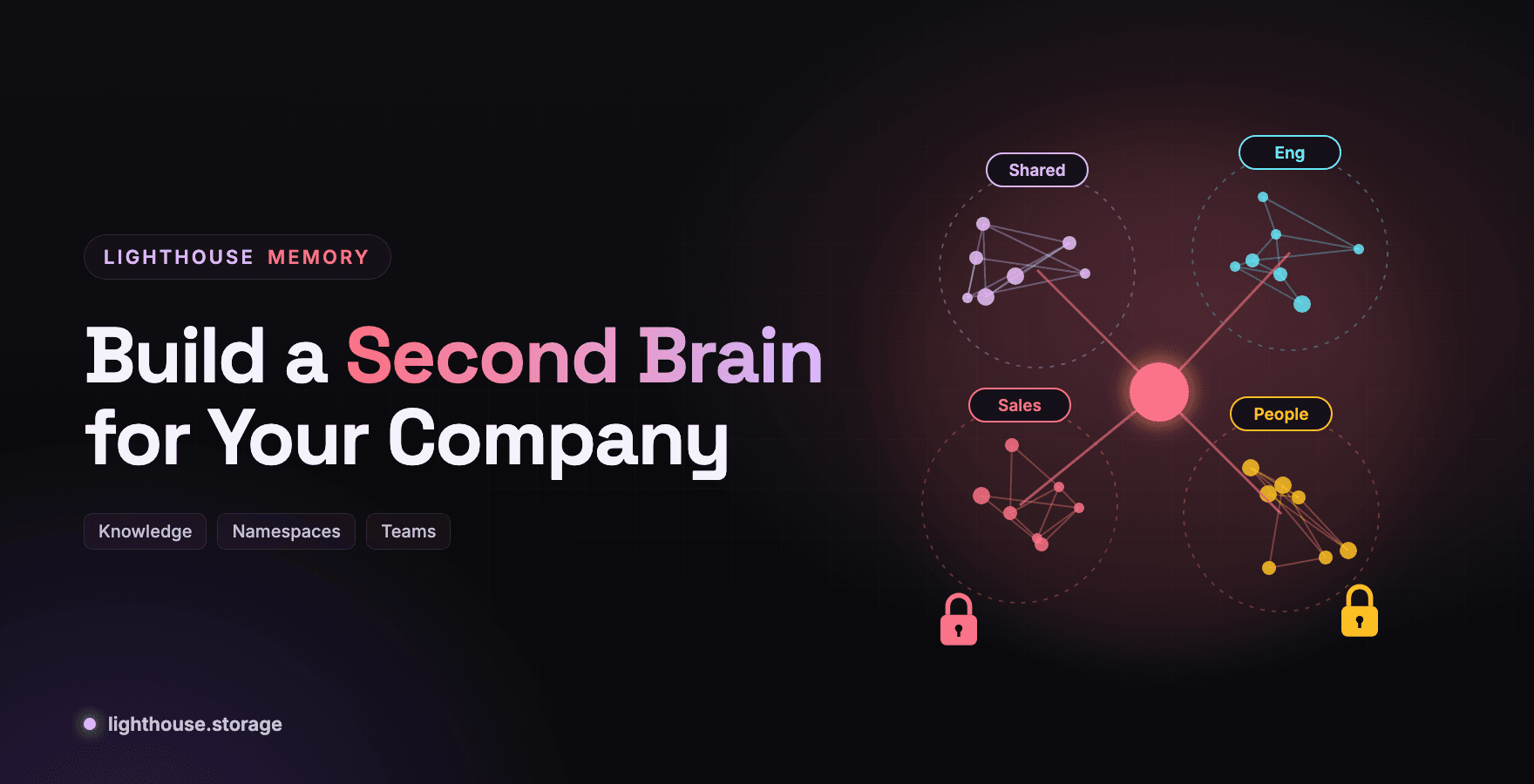
Shared does not mean everything goes everywhere. The homepage example is a good one: share the project brief with your writing agent, share brand guidelines with your design agent, keep personal notes private.
Lighthouse Memory gives you three tools for scoping.
| Tool | How it scopes | Use it for |
|---|---|---|
| Namespace | Hard isolation; memories, snapshots and pointers are per namespace | Separate projects, teams, or private versus shared memory |
| Tags | recall(query, { tags }) returns only memories carrying those tags | Topic scoping inside a namespace |
| Snapshot CIDs | snapshotIndex() gives one CID for a whole namespace | Handing a complete context to another agent or machine |
A practical layout for a small team:
namespace: launch-shared     -> brief, decisions, brand voice   (all agents)
namespace: design-shared     -> guidelines, asset decisions      (design agent)
namespace: my-private        -> personal notes                   (only you)
With the SDK, each agent is constructed only with the namespaces it should see. A new agent joining the project loads the shared namespace from a snapshot CID and is up to speed in one call:
await newAgentMemory.rebuildLocal(snapshotCid) // { added: 214, total: 214 }
Why Verifiability Matters for Shared Memory
When two agents share memory, a new failure mode appears: they may not actually be looking at the same thing. One has a stale copy, or a record changed between reads.
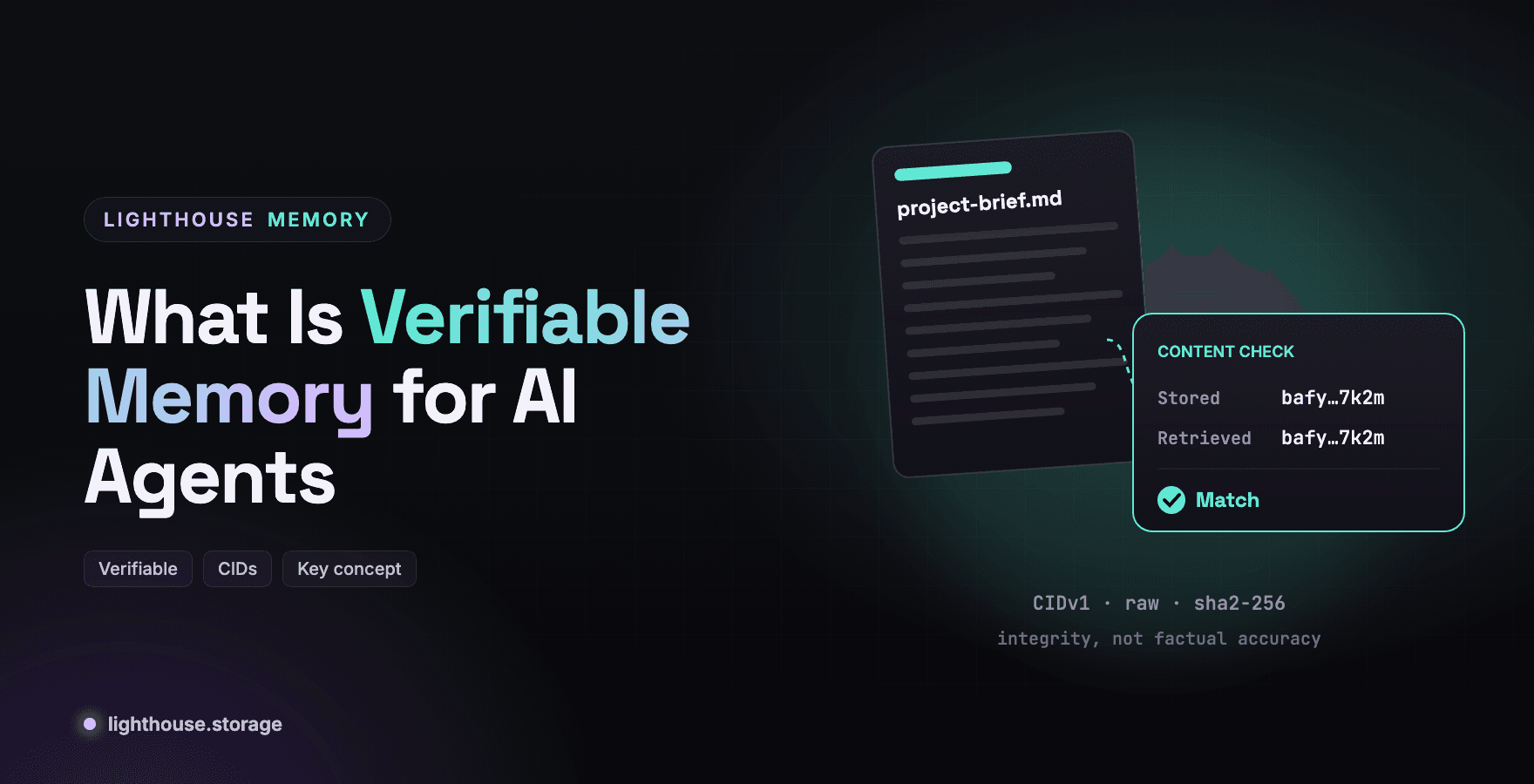
Content addressing removes that ambiguity. Every flushed memory carries the CID of the blob it lives in, and the same content always produces the same CID. If two agents cite the same CID, they have the same bytes. If the CIDs differ, something changed, and you can see exactly where. What Is Verifiable Memory for AI Agents goes deeper.
Moving Between Devices, Not Just Models
Shared memory also has to follow you across machines. The pointer service in @lighthouse-ai/cloud-sync tracks the latest snapshot CID per namespace and network, so a fresh laptop restores your memory without anyone copying a CID by hand. Recover Agent Memory on Any Machine with Snapshots and Pointers walks through it.
Frequently Asked Questions
Can ChatGPT, Claude and other models share the same memory? Yes, when memory lives outside the model. Lighthouse Memory exposes one memory layer over MCP for MCP capable clients and over a TypeScript SDK for custom agents on any model.
What is an MCP memory server? A Model Context Protocol server that exposes memory as tools an AI client can call. Lighthouse hosts one at memory-api.lighthouse.storage/mcp.
Do I need a specific model or embedding API? No. The batched engine ranks recall with an open source MiniLM model running locally, and the memory layer works with any model that produces text.
How do I keep some memories private from other agents? Put them in a separate namespace. Namespaces isolate memories, snapshots and pointers.
How does a new agent get existing context?
Load a snapshot CID with rebuildLocal(cid), or restore the latest snapshot automatically through the pointer service.
Get Started
Stay in Touch
Learn more at the website, docs, or GitHub. Join the community on Discord, X, Telegram, and LinkedIn.