Encrypted Memory for AI Agents with Memwal and SEAL
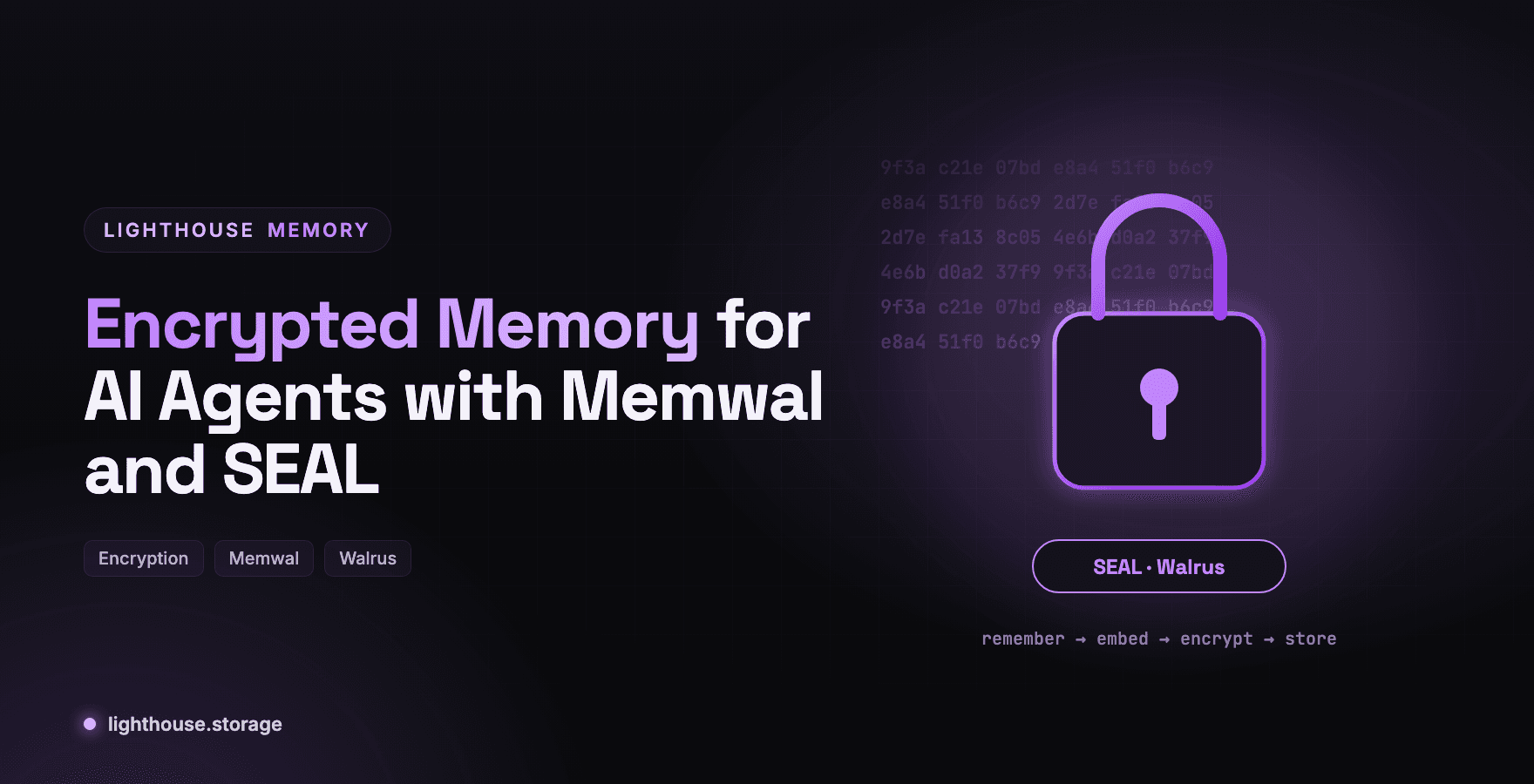
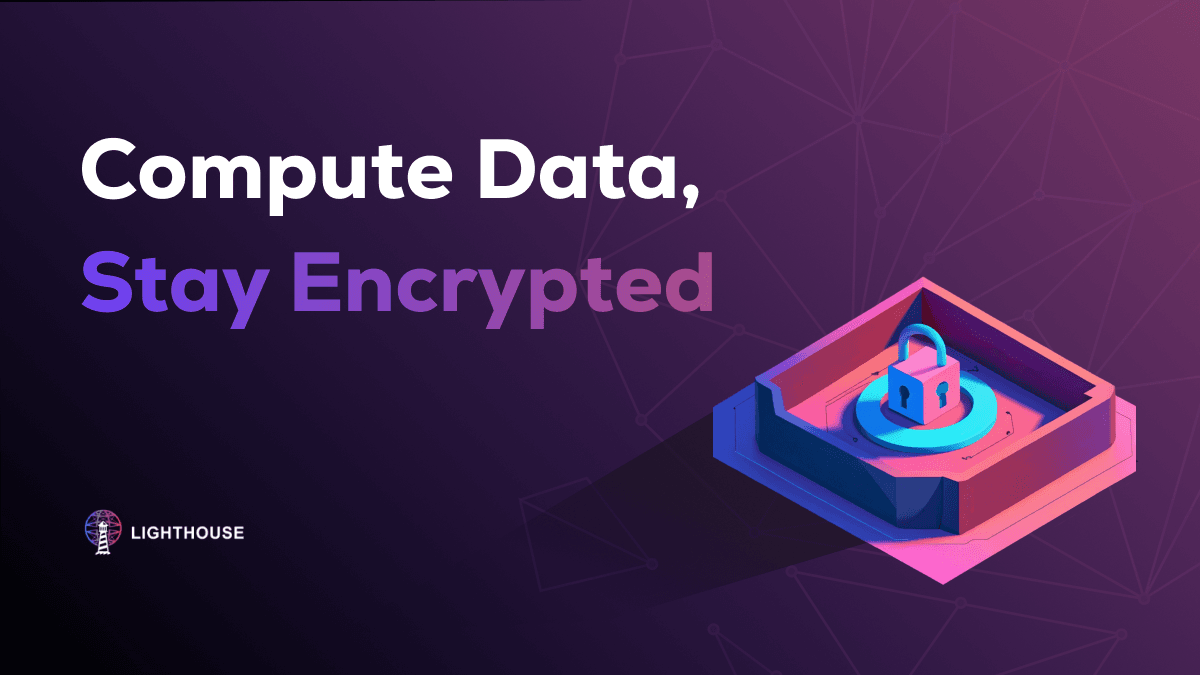
Agents remember the things people tell them. Some of those things are private. Encrypted memory means the storage network holds your agent's memories without being able to read them.
A customer's account details. An employee's performance notes. A company's pricing strategy. The moment an agent is useful, its memory contains something sensitive. Decentralized storage makes memory durable and verifiable, but durable and verifiable are not the same as private. Anything stored in plaintext on a public network can be read by anyone who finds its identifier.
Lighthouse Memory offers encrypted memory through its memwal engine, where every memory is SEAL-encrypted before it reaches Walrus. This post explains how it works, exactly what is and is not encrypted, and when to choose it.
Two Engines, Two Privacy Models
Lighthouse Memory has two engines behind the same remember, recall and forget interface.
| Batched engine | Memwal engine | |
|---|---|---|
| Who embeds | You, locally (MiniLM) | The relayer |
| Where search runs | Locally, over your index | In the relayer, over encrypted blobs |
| Encryption at rest | Not yet; native encryption is under development | SEAL-encrypted on Walrus |
| Writes | Buffered, then flushed as one blob | Direct, every remember goes to the network |
| Storage choice | Filecoin, Walrus, S3, R2, MinIO, local disk | Walrus, owned by the relayer |
| Needs | A storage and an embedder | MEMWALPRIVATEKEY and MEMWALACCOUNTID |
If you need memory encrypted by default with no extra code, memwal is the engine. If you need full control over where bytes live, the batched engine is the one, with your own encryption layered on top until native encryption ships.

How the Memwal Engine Works
The memwal engine is a full engine, not just a storage adapter. On every remember, the relayer:
- Embeds the memory for vector search.
- SEAL-encrypts it.
- Uploads the encrypted blob to Walrus.
- Adds it to a vector index so it can be recalled by meaning.
Your machine keeps a local index of tags, CIDs and blob IDs. There is no batching and no flush(): every write is on the network when remember returns, so there is no pending queue to lose if the process dies.
Setup
Get credentials from the dashboard at memory.walrus.xyz for mainnet, or staging.memory.walrus.xyz for testnet. Credentials are per network, so testnet keys do not work on mainnet.
npm install @lighthouse-ai/engine-memwal dotenv
# .env
MEMWAL_PRIVATE_KEY=<hex-delegate-key>
MEMWAL_ACCOUNT_ID=0x...
MEMWAL_NETWORK=testnet        # start here, then mainnet
MEMWAL_NAMESPACE=hr-assistant
MEMWAL_IPFS_PIN=off           # no public mirrors for sensitive memory (see below)
import 'dotenv/config'
import { MemwalMemory } from '@lighthouse-ai/engine-memwal'

const memory = await MemwalMemory.fromEnv()

const stored = await memory.remember('Priya prefers async standups and is on leave Oct 14 to 18.', {
  tags: ['team', 'preference'],
})
// { id, blobId, cid, pinned, walrusUrl, network, namespace }

const hits = await memory.recall('who is out mid October?', { limit: 5 })
// [{ blobId, content, distance, score, tags, indexed, … }]
blobId is the SEAL-encrypted Walrus blob. score is 1 − distance, clamped to 0 to 1. You can pass maxDistance to drop weak matches.
Exactly What Is Encrypted, and What Is Not
This is the part most vendors blur. Here it is plainly, from the docs.
| Artifact | Encrypted? | Who can read it |
|---|---|---|
| Memwal blob on Walrus | Yes, SEAL-encrypted | Only through your credentials |
| IPFS mirror of each record (when pinning is on) | No, plaintext | Anyone with the CID |
Index snapshot from snapshotIndex() | No, plaintext | Anyone with the CID |
Local index in .memory-sdk/memwal/ | No, it sits on your disk | Anyone with your disk |
| Batched engine blobs and snapshots | No, plaintext | Anyone with the CID |
| Your saved Lighthouse API key (BYOK) | Stored encrypted, only last4 returned | The backend |
The key setting is MEMWAL_IPFS_PIN. By default, if a LIGHTHOUSE_API_KEY is present, the SDK pins a public, plaintext IPFS mirror of each record so it gets a publicly resolvable CID. That is useful for verification and sharing. It is wrong for sensitive memory. Set MEMWAL_IPFS_PIN=off and the SDK computes CIDs locally without publishing a mirror.
The same logic applies to snapshots. snapshotIndex() is how you move memory between machines, but the snapshot is plaintext. For sensitive namespaces, skip snapshots and lean on the relayer instead: recall() works from any machine with your credentials, even without a local record (those results come back as indexed: false), and restore() repairs the relayer's vector index from onchain data.
Encrypted Memory Features You Get With Memwal
Fact extraction with analyze(). Give it free text and the relayer extracts discrete facts, storing each as its own encrypted memory tagged analyzed.
await memory.analyze('Alice moved to Lisbon in June and prefers dark mode.', {
  occurredAt: '2026-06-15T00:00:00.000Z',
})
// { factCount: 2, succeeded: 2, failed: 0, memories: [ … ] }
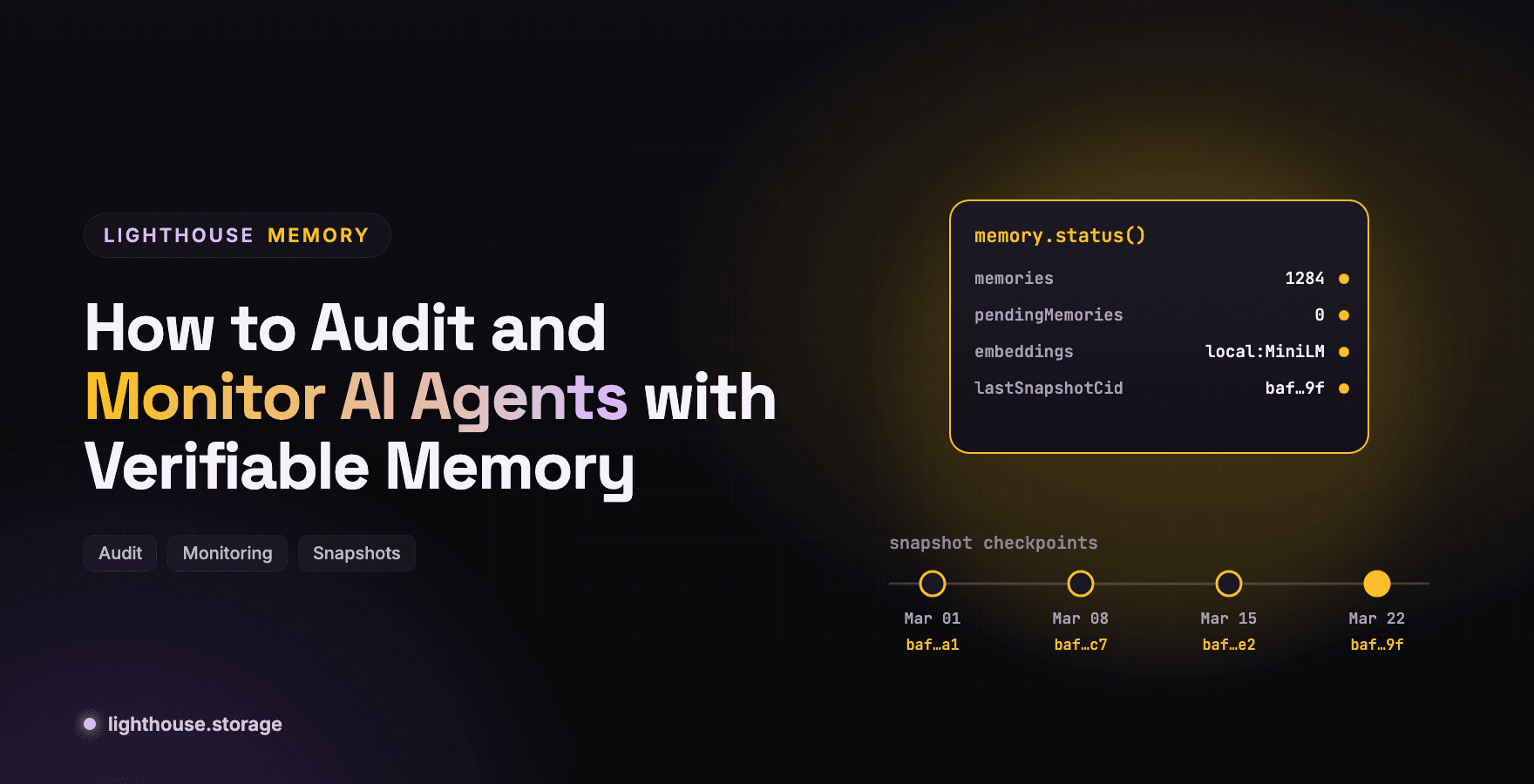
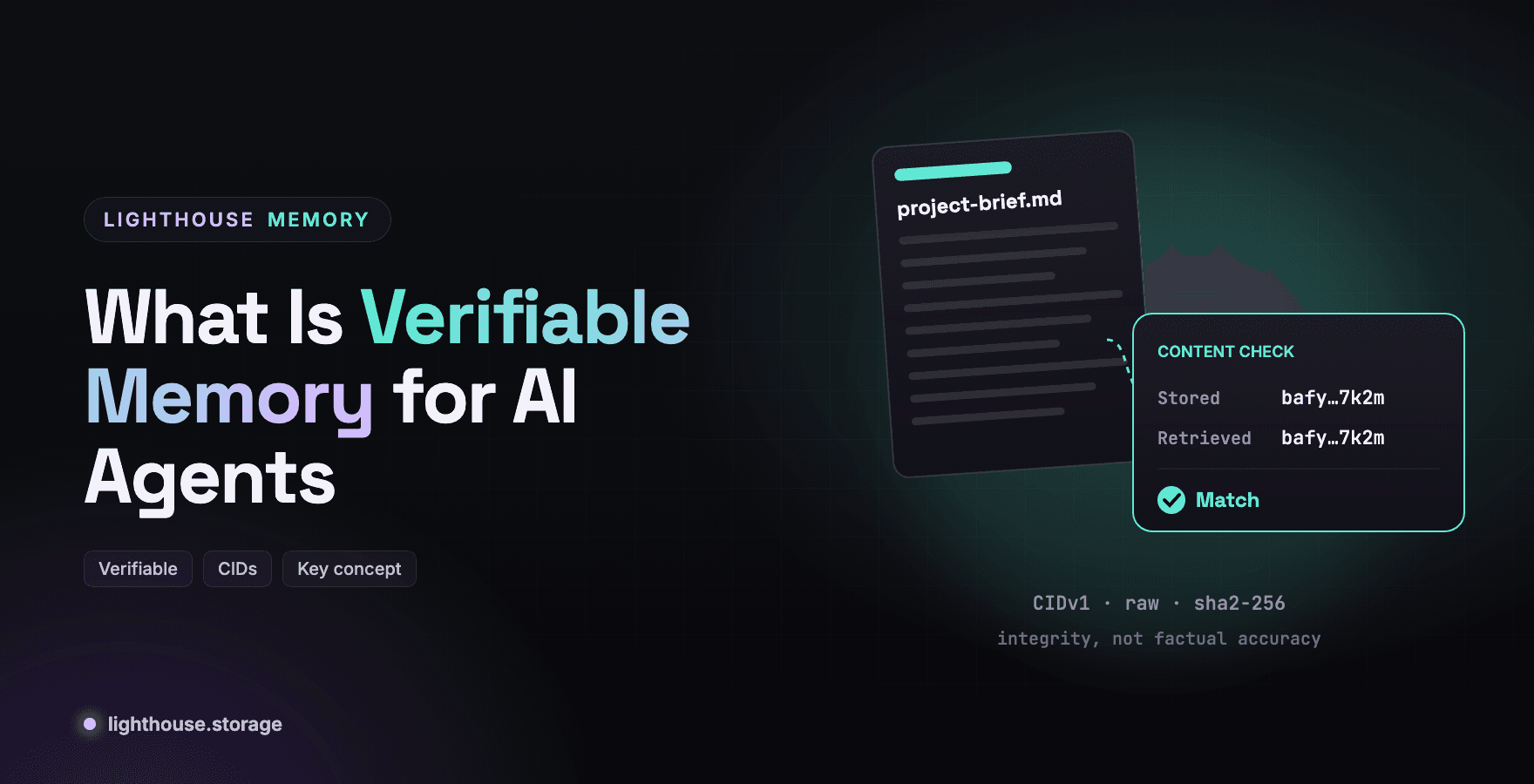
Integrity checks with verify(). Pinned records are fetched and compared byte for byte; unpinned records are re-hashed locally. See What Is Verifiable Memory for AI Agents.
Recovery with restore(). If recall seems to miss older memories, ask the relayer to rebuild missing vector index entries from onchain data: await memory.restore({ maxBlobs: 200 }).
Walrus native IDs with blobIds(). Returns the encrypted memwal blob ID for Sui ecosystem tooling.
forget() on Encrypted Memory
Deletion semantics matter more for private data, so be precise. On memwal, forget() removes the local copy and unpins the IPFS mirror. The relayer has no delete API. The encrypted blob stays on Walrus until its storage period lapses and may still appear in recall results as indexed: false.
Because the blob is encrypted, the practical exposure is small. But if your obligations require immediate hard deletion, use the batched engine on S3 or local disk, where forget() is a real delete, and encrypt content before it is stored.
Using the Batched Engine With Your Own Encryption
If you need the batched engine's storage flexibility today, encrypt before remember and keep the searchable parts in tags you are comfortable exposing.
import { encrypt } from './crypto.js' // your AES-GCM helper, key from your KMS

await memory.remember(await encrypt('Contract value is 1.2M, renewal Jan 2027.'), {
  tags: ['contract', 'acme'],        // tags stay plaintext: keep them non-sensitive
  metadata: { enc: 'aes-256-gcm', keyId: 'kms/contracts-2026' },
})
The tradeoff is clear: encrypted content cannot be semantically searched by the local embedder, so recall relies on tags. That is why memwal, which searches server side over encrypted blobs, is the better default for sensitive memory.
When to Choose Encrypted Memory
- HR, legal and finance assistants holding personal or confidential information.
- Customer support agents that remember account details across tickets.
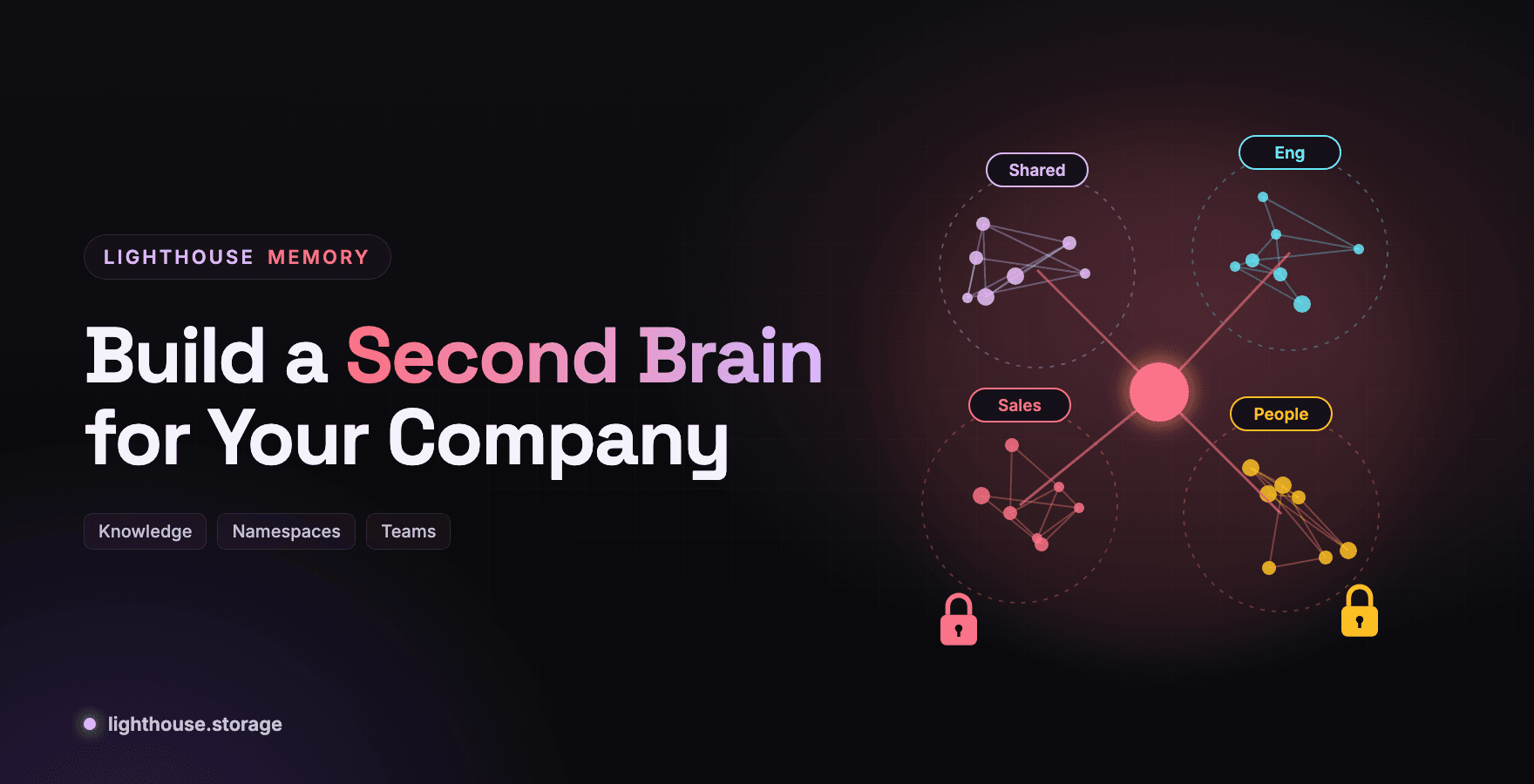
- Company second brains where some knowledge is restricted. See Build a Second Brain for Your Company with Lighthouse Memory.
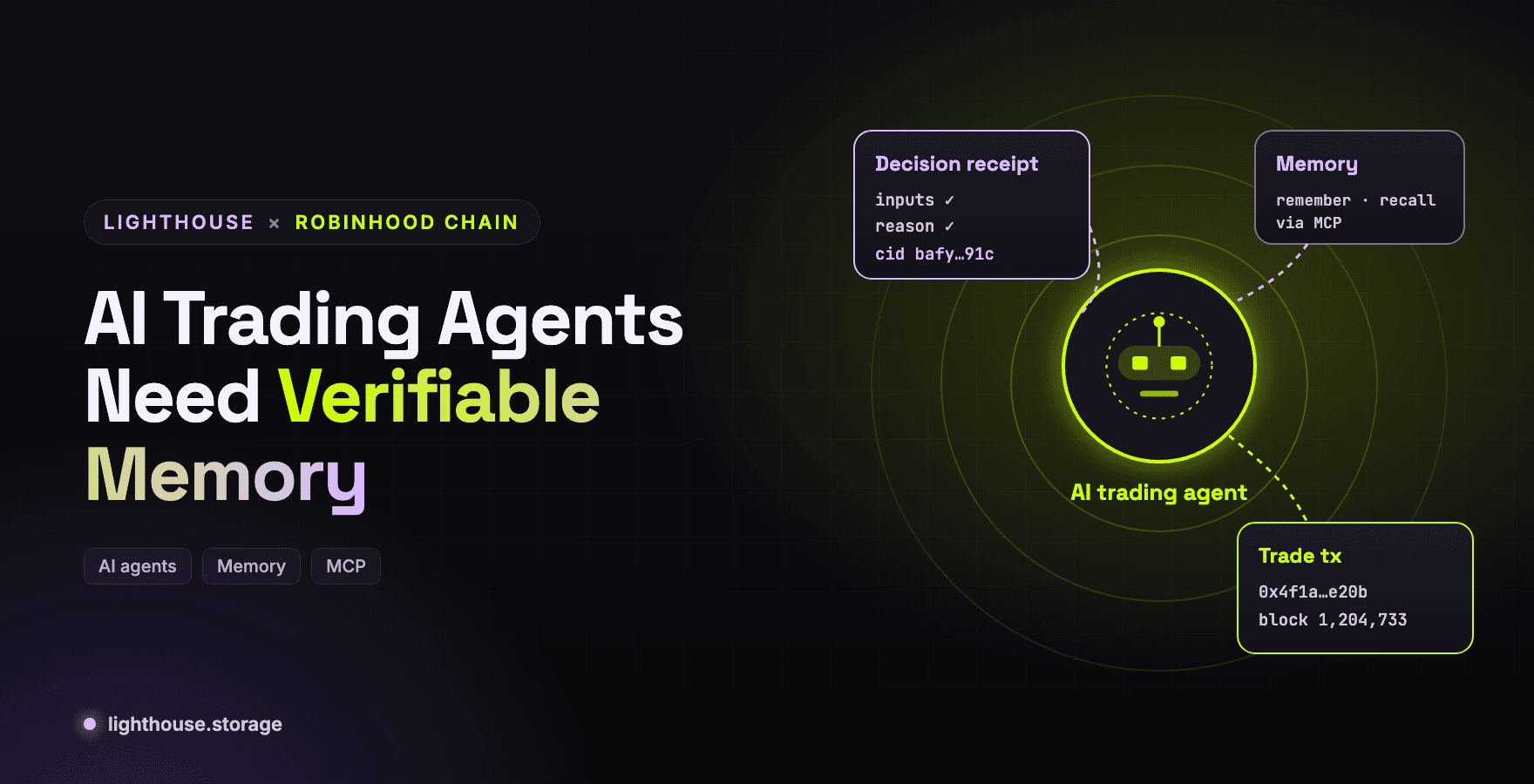
- Trading agents whose strategy memory is commercially sensitive.
Frequently Asked Questions
Is Lighthouse Memory encrypted? The memwal engine SEAL-encrypts every memory on Walrus. The batched engine stores plaintext blobs today; native encryption is under development, so encrypt sensitive content yourself or use memwal.
What is SEAL encryption? SEAL is the encryption and access control system from the Sui ecosystem. The memwal relayer applies it to each memory before uploading to Walrus, so storage nodes hold only ciphertext.
Can encrypted memories still be searched? Yes, with memwal. The relayer runs vector search over encrypted blobs and returns matches with scores.
Are IPFS mirrors encrypted?
No. Pinned mirrors and snapshots are plaintext. Set MEMWAL_IPFS_PIN=off for sensitive namespaces.
Can I permanently delete an encrypted memory?
forget() removes the local copy and mirror immediately. The encrypted Walrus blob lapses when its storage period ends.
Get Started
- Encrypted memory with memwal, full tutorial
- Memwal engine reference
- Memwal MCP tools
- Configuration and env vars
Stay in Touch
Learn more at the website, docs, or GitHub. Join the community on Discord, X, Telegram, and LinkedIn.